A QR card at a wedding is a small thing that does a lot of work. Done well, it gets photos to guests without anyone forwarding a single file, and it puts your studio’s name in front of every family at the venue. Done badly, it is a crumpled printout on a pillar that nobody scans.
This guide covers the practical side: what to print, where to place it, what to say, and what guests see after they scan.
What the QR code should open
Before thinking about design, be clear about what happens after the scan. There are two common setups:
- A shared album. The QR opens one gallery that everyone can browse, and sometimes upload to. Simple, but it puts the whole wedding in front of anyone with the code, which many couples will not like.
- A guest photo page. The QR opens a page where each guest takes a selfie and receives a private link with only the photos they appear in. Nobody browses anyone else’s photos.
For Indian weddings, with large families and couples who care about privacy, the second is usually the right choice. We explained how selfie matching works in our guide to face recognition photo sharing.
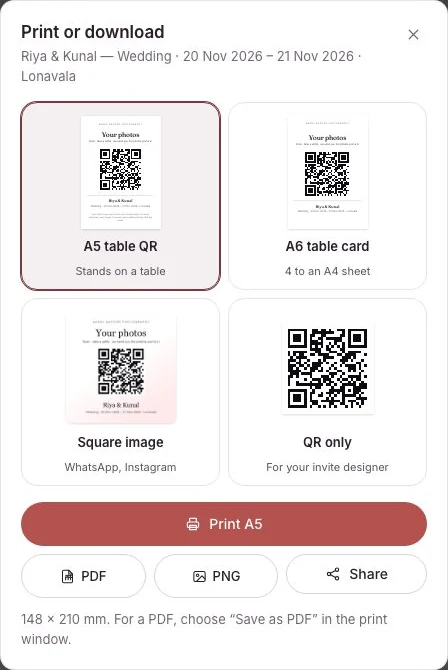
What to print on the card
Keep it short. A guest glances at it for two seconds while holding a plate.
- A clear line of what they get: “Get your photos from today” works better than anything clever.
- How: “Scan, take one selfie, get only the photos you are in.”
- Your studio’s name and logo, small but visible.
- The QR code itself, large, high contrast, with a white border around it.
Avoid long URLs, social media handles crammed into corners, and dark backgrounds behind the code. Test-scan the printed card from arm’s length, in dim light, before the wedding.
Where to place it at an Indian wedding
Guests scan when they are waiting and their hands are free. Think about where people queue or sit:
- The entrance or welcome board, where everyone passes once.
- The stage queue at the Reception, where families wait to meet the couple and photographers are busiest.
- Dinner and dessert counters, where people stand around with time to spare.
- Lounge and seating areas at the Sangeet, between performances.
- The photo booth or selfie corner, if there is one.
Two or three well-placed cards beat ten scattered ones. If you can, ask the anchor or DJ to mention it once: “Want your photos from tonight? Scan the card near the stage.”
Different functions, one card
Indian weddings spread across several functions and sometimes several venues. Printing a different standee for each is a waste, and it goes in the bin with the table flowers.
In LensPilot, your studio QR card is permanent. You print it once, on good material, and it opens whichever of your events is happening at the time. If two of your teams are shooting two weddings on the same evening, you can make a second card and narrow each to its own event, so guests at one wedding never see the other. If a card is lost or misused, you can switch it off and print a new one.
Each shoot also gets its own QR link if you prefer a card specific to one wedding, or want to send it in the family WhatsApp group.
What guests see after scanning
The experience on the guest’s phone decides whether this works. With LensPilot:
- The page shows your studio’s name and the event.
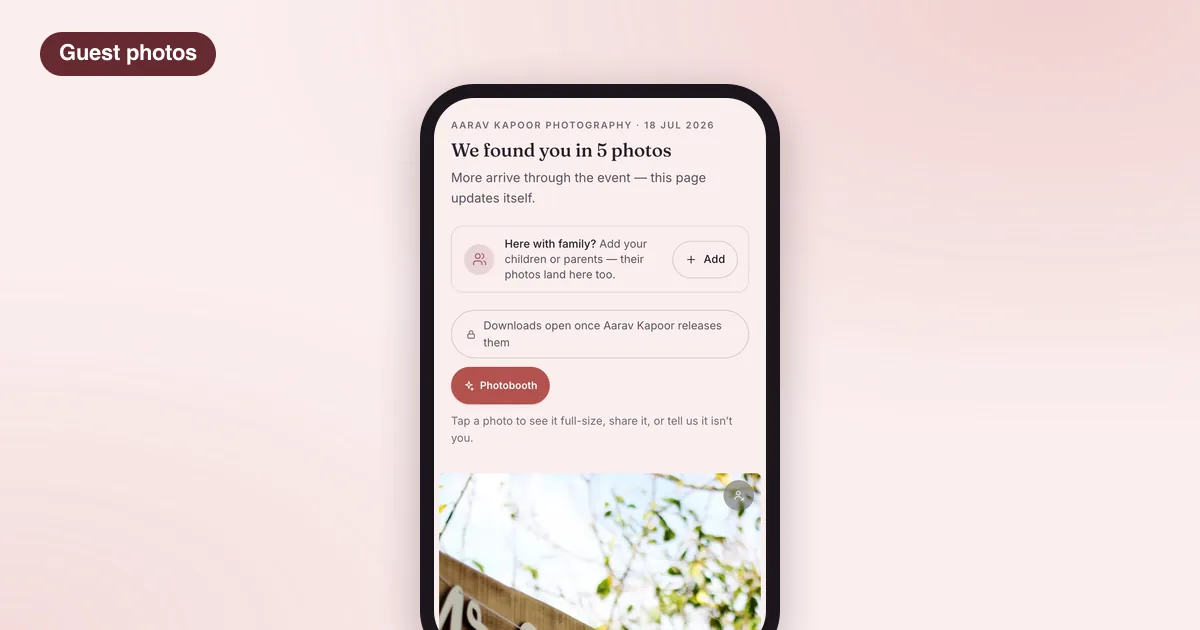
- The guest reads a short consent note and takes one selfie. There is no app and no account.
- They get a private link to the photos they appear in. The selfie is not kept; it is matched and thrown away in the same request.
- As you upload more functions, more of their photos appear on the same page.
- They can add family members, such as children or parents, with a selfie each.
Guests can also turn a few of their photos into a photobooth-style frame to post on Instagram. Every frame carries your studio’s name, so it travels to their followers too.
Turning scans into enquiries
The guests at today’s wedding are your next customers. A guest who scans your card, finds themselves in your photos and downloads them has just experienced your work at its best.
After a guest downloads their photos, LensPilot asks them one question: is a wedding coming up in their family? A yes becomes a lead in your studio, not ours. LensPilot never markets to your guests. Follow up promptly and personally; a message from the photographer whose work they just saved lands very differently from a cold call.
Common mistakes
- Putting the card where nobody waits, such as on a pillar by the exit.
- Printing it too small, or on glossy paper that reflects stage lights.
- Forgetting to ask the couple. It is their wedding; agree it at booking.
- Uploading weeks later. Guests who scanned on the day forget about it. Upload a first set within days, even before the full edit, if the couple agrees.
- Hiding your name. The card is also your introduction to the room.
A quick setup checklist
| When | Do this |
|---|---|
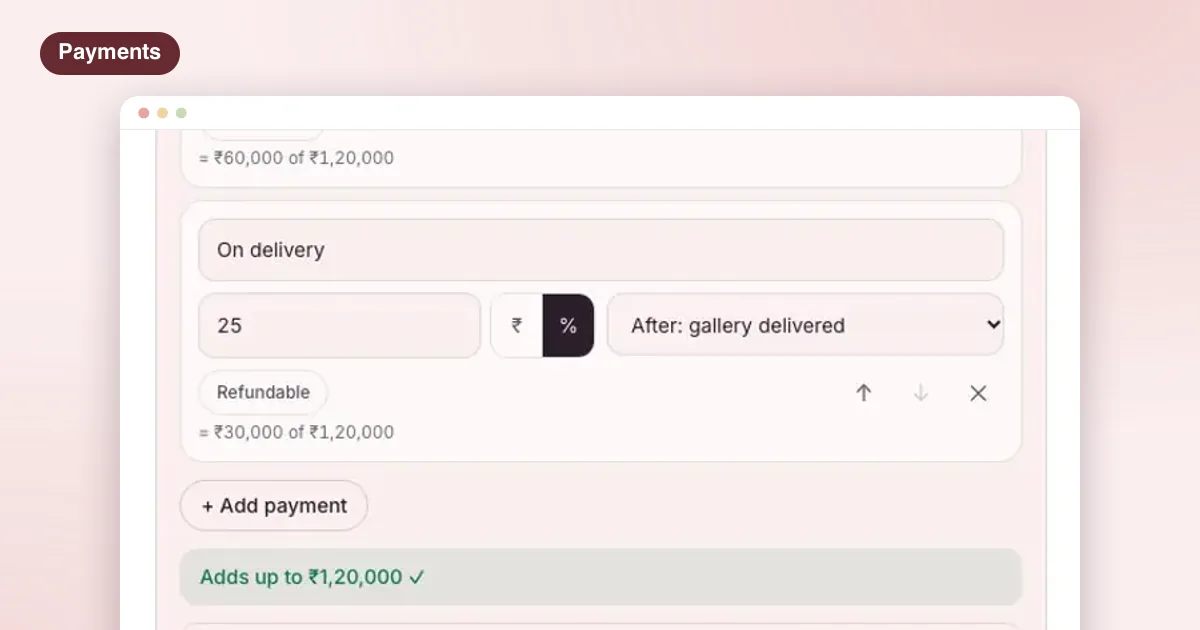
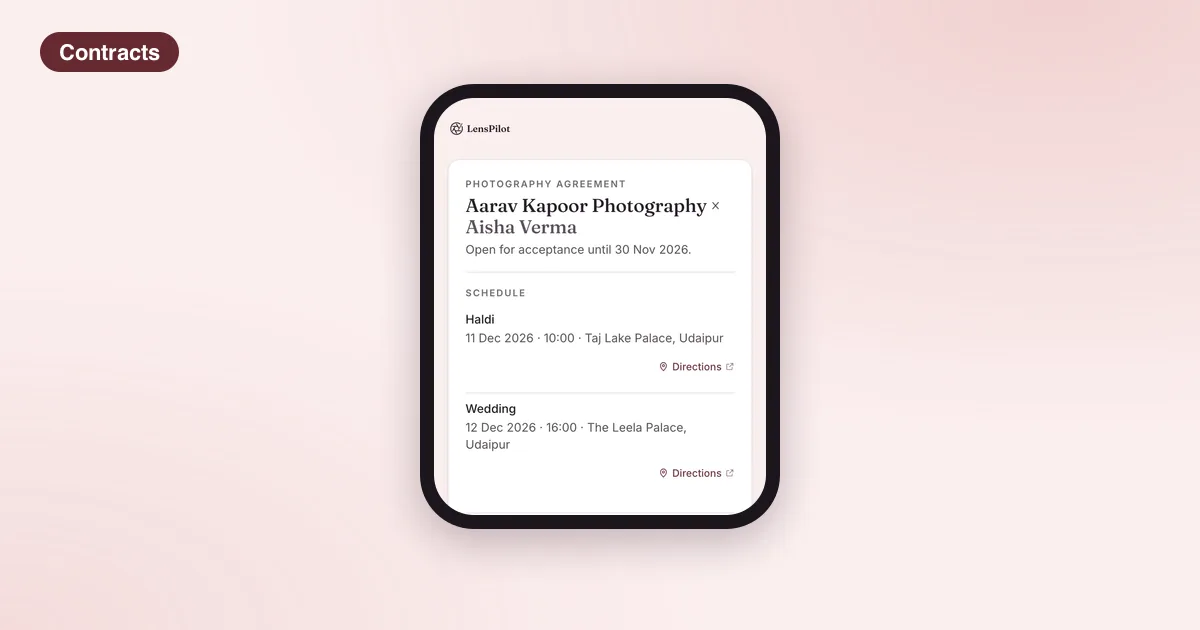
| At booking | Agree guest delivery with the couple; add it to the agreement |
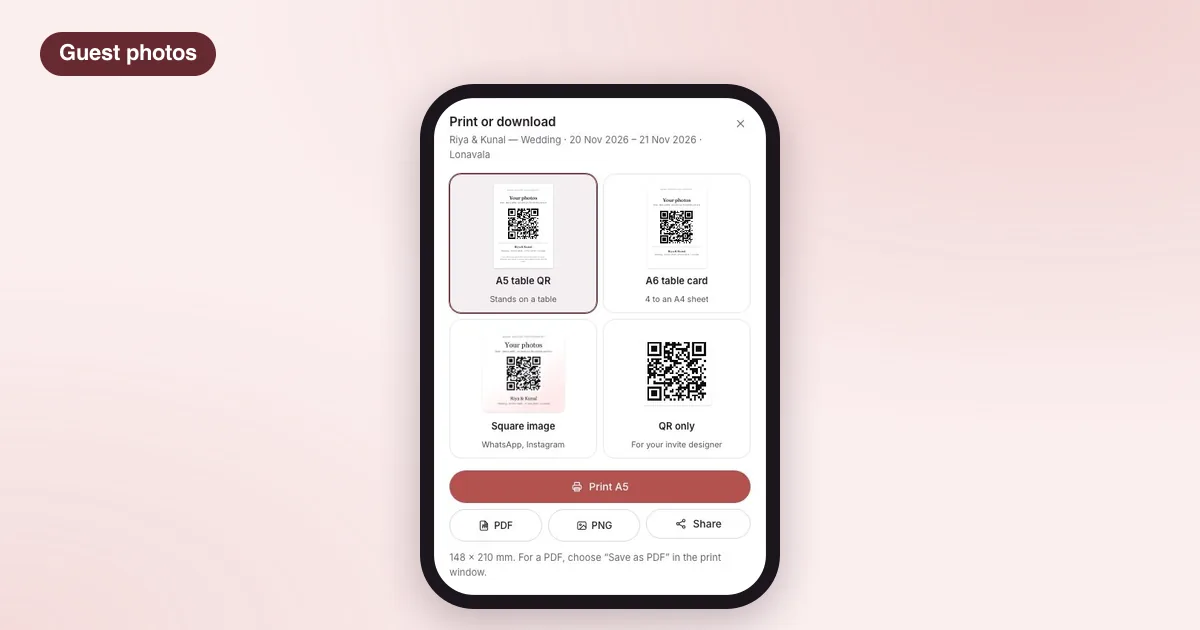
| A week before | Print A5 stand cards and A6 table cards; test-scan them |
| On the day | Place cards at the entrance, stage queue and food counters |
| After the day | Upload function by function; ask the couple to share the link in the family group |
| Following weeks | Reply to guest enquiries quickly |
LensPilot brings the QR card, guest selfie delivery, the couple’s private gallery and your studio’s bookings into one app. See how guest delivery works, read how LensPilot works for photographers, or check what each plan includes.
Questions photographers ask
Shaadi ki photos guests ko kaise bhejein?
The simplest way is a QR card at the venue. Guests scan it, take one selfie, and get a private link with only the photos they appear in. You upload the photos once; nobody has to forward anything on WhatsApp.
What size should a wedding photo QR card be?
A5 works well on a stand at the entrance or the stage queue. Smaller A6 cards suit dinner tables. Keep the QR itself large enough to scan from arm’s length and leave a clear white border around it.
Do I need a new QR code for every wedding?
Not with LensPilot. Your studio QR card stays the same and opens whichever of your events is happening at the time, so you can print it once on good material and reuse it.
What if guests scan before the photos are uploaded?
That is fine. They register with one selfie, and their page fills in as you upload the photos from each function.