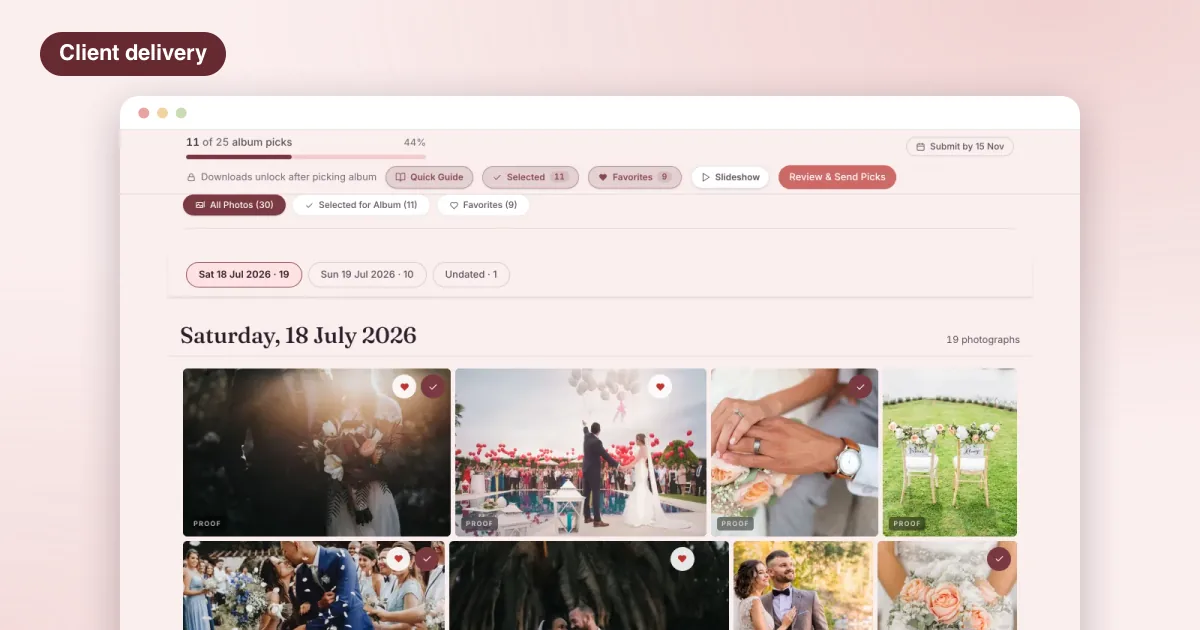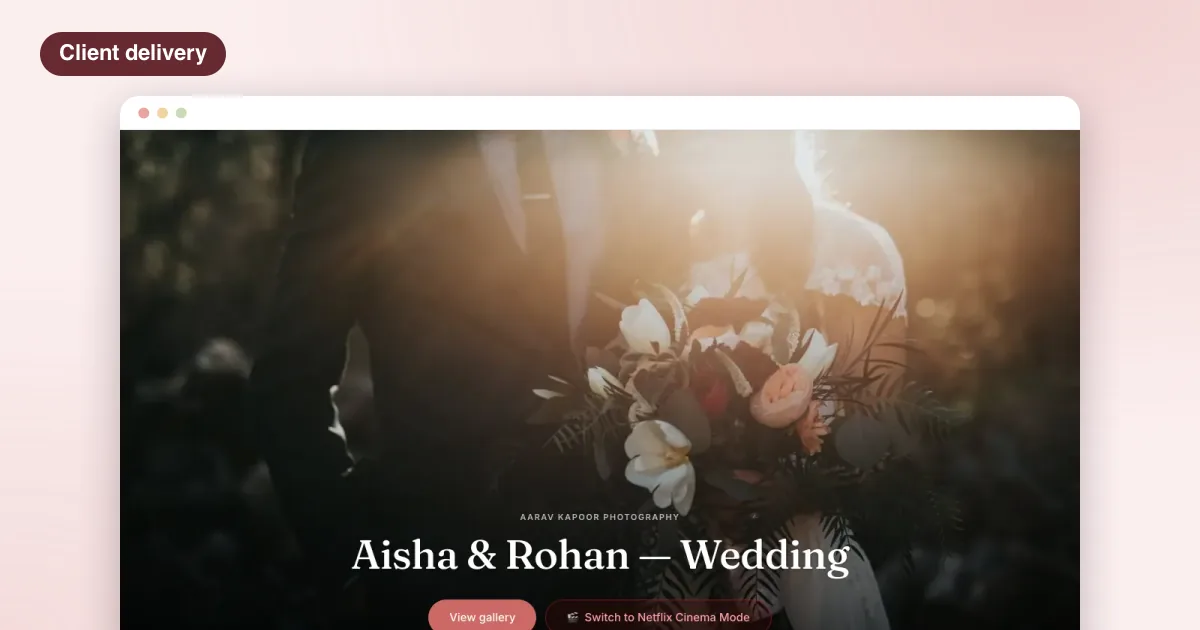
Every Indian wedding photographer knows the month after the wedding. The couple’s cousins, the bride’s college friends, the groom’s office colleagues, the aunt who flew in from Dubai: everyone wants “just my photos”. Usually they ask the couple, the couple forwards the request to you, and you spend evenings searching two thousand frames for one person’s face.
Selfie-based delivery, usually searched for as face recognition photo sharing, removes that month. This guide explains how it works, what to tell guests, and how to set it up so it actually helps your studio.
How selfie-based photo sharing works
The flow is the same across most tools, including LensPilot:
- You upload the wedding photos to the event, function by function, as you normally would.
- Guests scan a QR code printed on a card at the venue, or a link the couple forwards.
- Each guest takes one selfie in their phone’s browser.
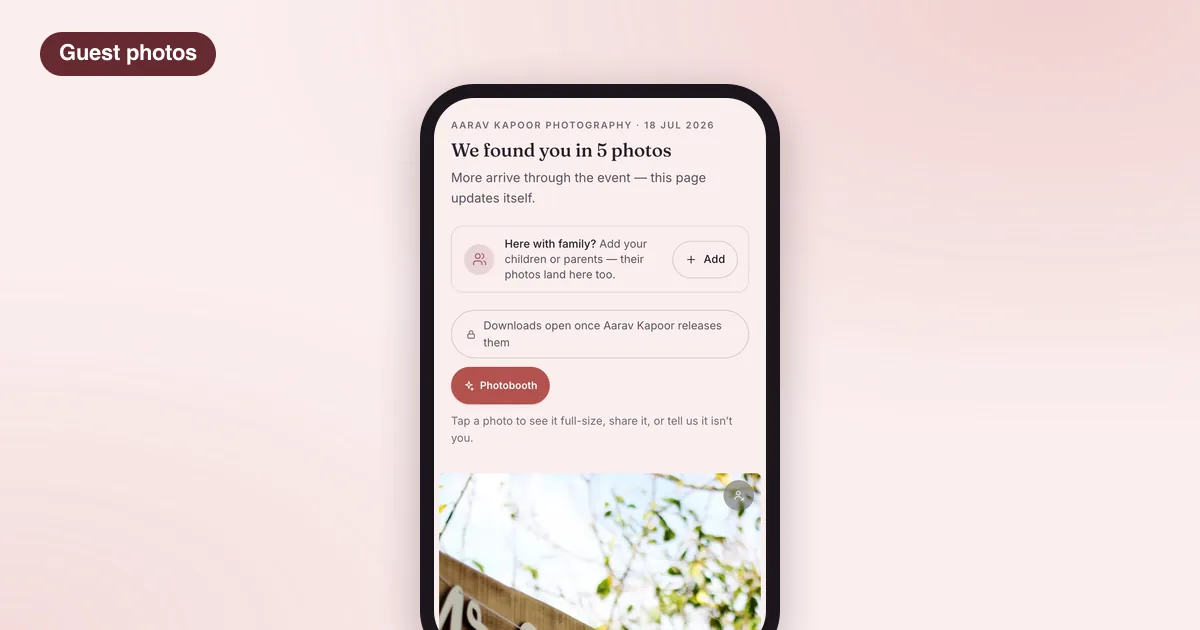
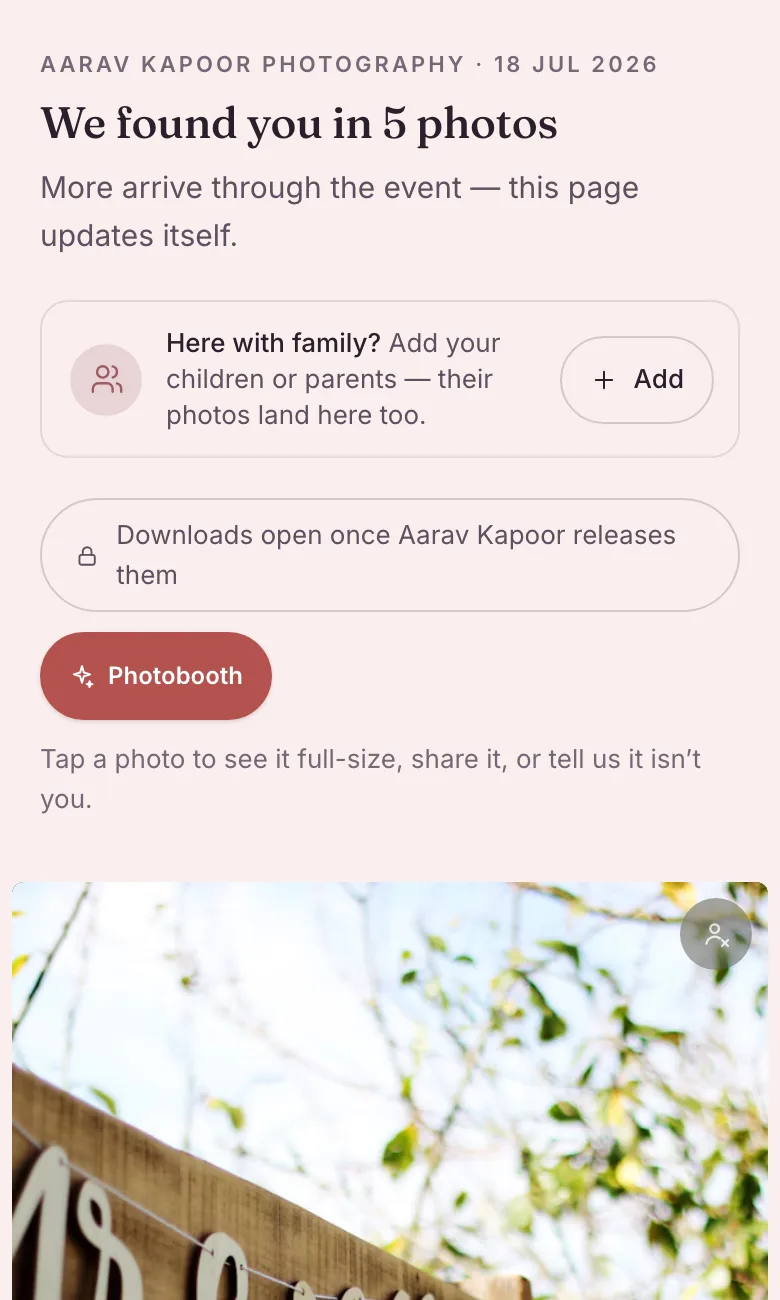
- The software compares that selfie with the faces in the photos and builds a private page with only the photos that guest appears in.
- New photos arrive on the same page as you upload more functions.
The guest does not browse the whole wedding. They see their own frames, and that is the point: it respects the couple’s privacy and it answers the guest’s real question in seconds.
What it changes for you
Fewer requests, less searching
The obvious win is time. Requests like “can you send me the photos from the Sangeet where I’m wearing the green lehenga” stop arriving, because the guest can answer them with one selfie.
Your studio in front of every guest
This is the less obvious win, and for most studios the bigger one. At a wedding of three or four hundred guests, a fair number of them are planning their own wedding, or their sister’s, or their son’s. Every guest page carries your studio’s name. The guests at today’s wedding are your next customers, and this is one of the few moments they look closely at your work, on their own phone, with themselves in it.
In LensPilot, after a guest downloads their photos, they are asked one question: is a wedding coming up in their family? A guest who says yes becomes a lead that belongs to your studio. LensPilot never markets to your guests.
A better experience for the couple
The couple no longer becomes your forwarding service. They keep the full gallery; their guests get their own photos without anyone digging through a shared drive.
Privacy and consent: what to tell guests
A guest’s face is personal data, and guests did not sign your contract. Treat this part seriously.
- Ask the couple first. It is their event. Mention it at booking and put it in your agreement.
- Make it opt-in for each guest. Nobody is enrolled unless they scan and take a selfie themselves.
- Show clear consent text before the camera opens: what happens to the selfie, who sees the photos, how long the data is kept.
- Do not keep what you do not need. In LensPilot the selfie is matched and thrown away in the same request; it is never stored. Guest data is removed after a set period.
- Never show a guest someone else’s photos. The matching is tuned for precision over recall, because sending someone a stranger’s photographs is not acceptable.
When a guest asks “what happens to my selfie?”, you should be able to answer in one sentence. If you cannot, choose a different tool.
Setting it up at the wedding
Before the wedding
- Confirm with the couple that guest delivery is on.
- Decide where the QR code will be: the welcome board, the photo booth corner, the dinner tables, the return gifts.
- Print the QR card. With LensPilot you can print one permanent studio QR card that always opens the event happening right now, so the same card works at every wedding.
On the day
- Place the card where guests wait: the entrance, near the stage queue, at the dessert counter.
- Ask the anchor or DJ to mention it once during the Sangeet or Reception. One line is enough: “Want your photos? Scan the card and take a selfie.”
After the wedding
- Upload the edited photos function by function. Guests who already registered see new photos appear on their page.
- Tell the couple they can forward the guest link in the family WhatsApp group for anyone who missed the card.
We go deeper into QR card placement and wording in our guide to QR code photo sharing, coming next week.
Questions guests and couples will ask you
“What if it misses some of my photos?” It can. Side profiles, faces in deep shadow and people far in the background are harder. A precise tool would rather miss a photo than show the wrong person. The couple still has everything.
“Can my parents get theirs too?” In LensPilot a guest can add family members, each with their own selfie, and those photos arrive on the same guest page. Elderly relatives who do not use smartphones can be added by a son or daughter.
“Is this the same as the photographer posting everything online?” No. Nothing is public. Each guest sees only their own photos, through their own private link.
What to look for in a tool
- No app download for guests; it should run in the phone’s browser.
- Clear consent before the selfie, and a plain answer to what happens to it.
- A private page per guest, never a browsable public album.
- Your studio’s name on the guest’s page, not only the software’s.
- Photos added after the wedding reaching guests who registered earlier.
- One QR card you can reuse rather than printing a new standee for every event.
LensPilot’s guest selfie delivery does each of these, alongside the couple’s private gallery and your studio’s shoots, agreements and payments. See how guest delivery works, read how LensPilot works for photographers, or check which plans include it. For the couple’s side of delivery, see our guide on how to deliver wedding photos to clients.
Questions photographers ask
Do guests need to install an app to get their photos?
Not with LensPilot. A guest scans a QR code, agrees to the consent text, takes one selfie in the browser and gets a private link. There is no app and no account.
Is the guest’s selfie stored?
In LensPilot, no. The selfie is matched and thrown away in the same request. What the guest keeps is their private link to the photos they appear in.
What if a guest’s photos are missing from their page?
Matching is tuned for precision over recall: it would rather miss a photo than send someone a stranger’s photographs. Side profiles, heavy shadows and faces far in the background are the usual misses. The full gallery stays with the couple, so nothing is lost.
Should the couple agree before I offer this to guests?
Yes. It is their wedding and their guests. Ask at booking, explain what guests will see and that it is optional for each guest, and put it in your agreement.
Can a guest get photos of their children or parents too?
Yes. In LensPilot a guest can add family members, each with a selfie of their own, and those photos arrive on the same guest page.