LensPilot Invitations
Invitations your guests open on their phone
One link on WhatsApp: an opening you tap, your names, every event with directions, and a reply form that keeps count for you.
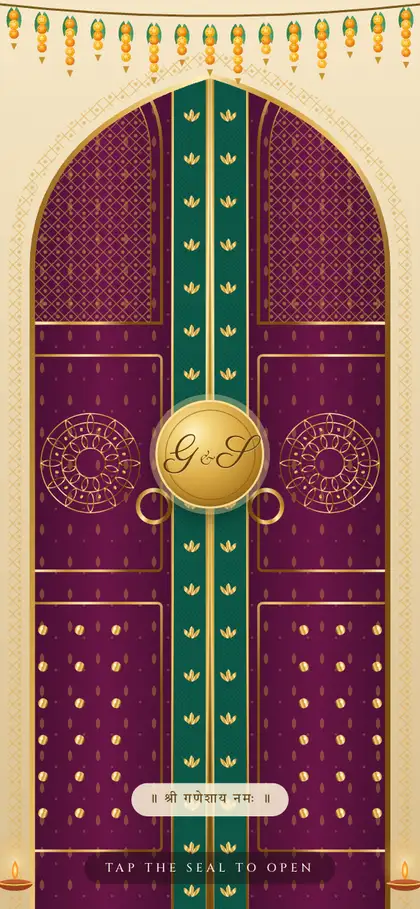
25 designs, every one animated
Tap the seal to open each one. Each design has its own opening — doors, a wax-sealed letter, a theatre curtain, a lotus blooming — and swaps its ornaments for the occasion.
6 designs
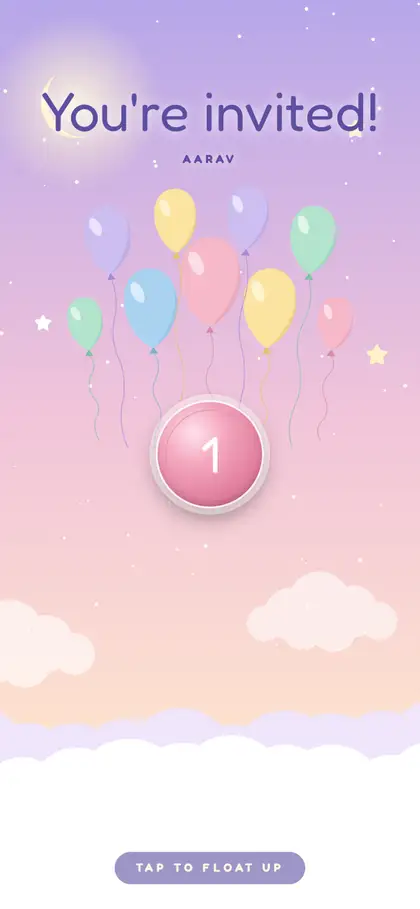
Pehla Janamdin
A pastel moon-and-stars first birthday — tap the balloons and the sky floats up.
First birthday · Pastel · Any community
Full demo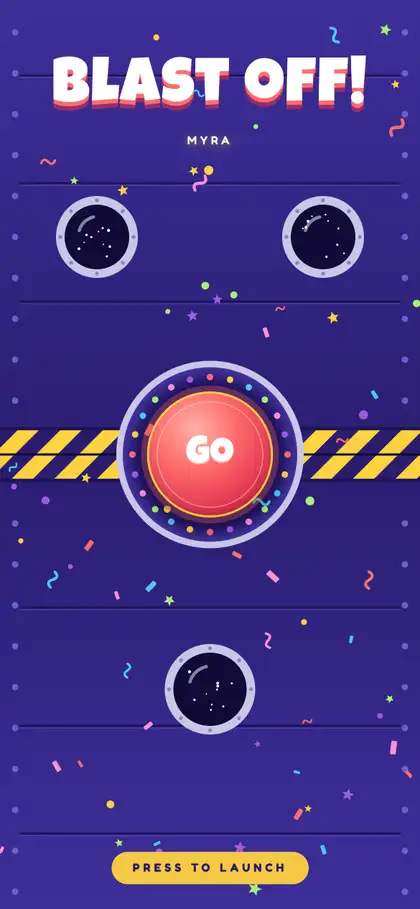
Rocket Party
A bright space-themed kids' party: 3-2-1, a confetti blast, and the hatch slides open.
Kids' party · Bright · Any community
Full demo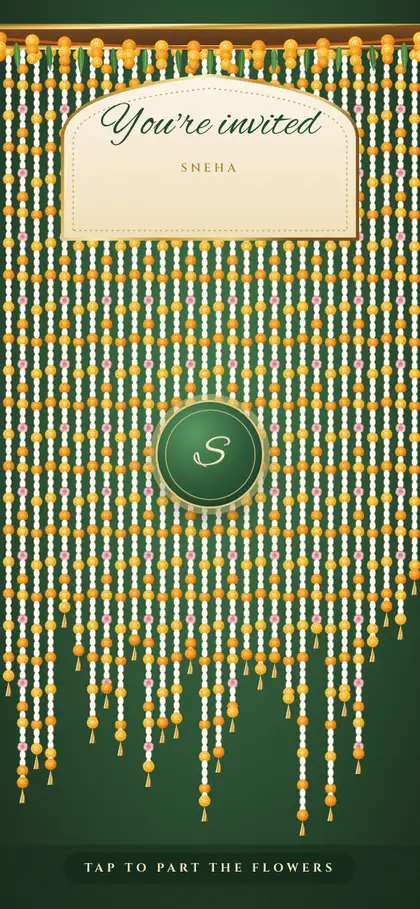
Phoolon ka Jhula
Green and gold: the mother-to-be on a swing of jasmine and marigold — a flower curtain parts to open it.
Baby shower · Marathi · Godh Bharai
Full demo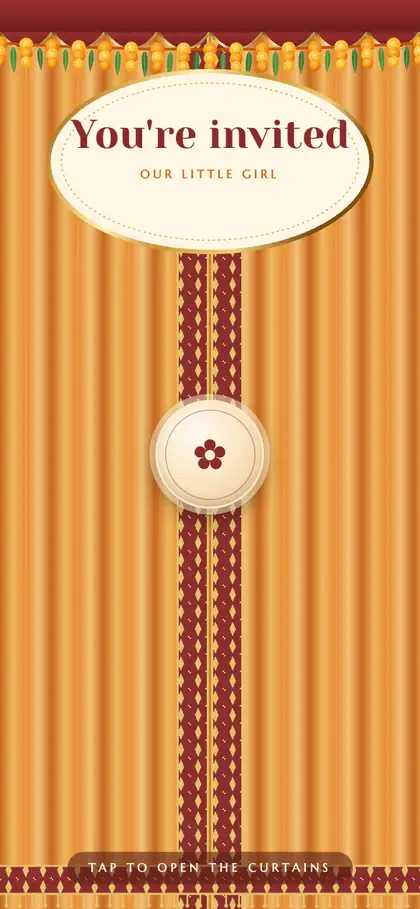
Palna
A palna in saffron and cream; silk curtains part, and a scratch card reveals the baby's name.
Naming ceremony · Marathi · Barsa
Full demo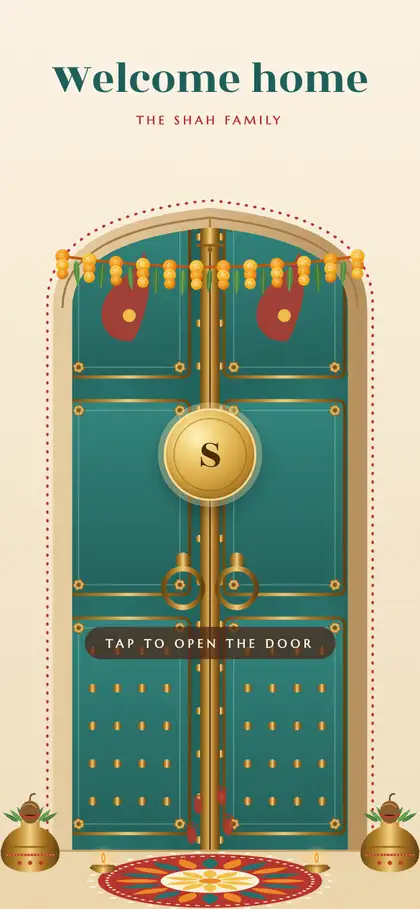
Shubh Dwar
The new home's carved door swings open: toran, kalash, rangoli — puja and lunch, and the address under a scratch card.
Griha pravesh · Gujarati · Vastu shanti
Full demo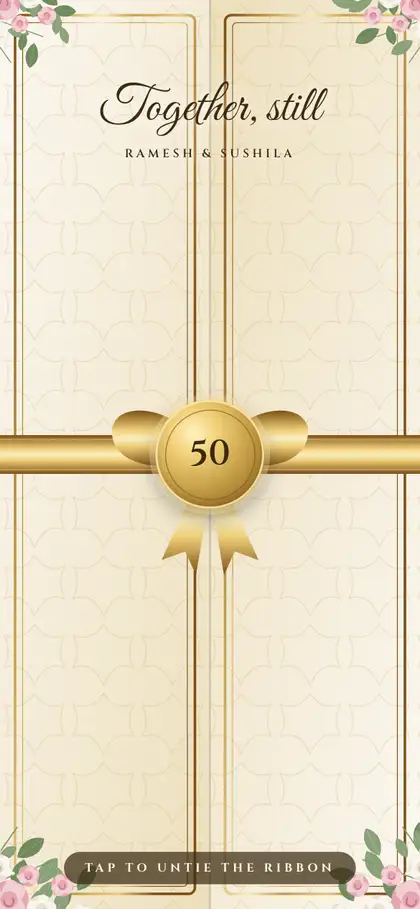
Jubilee
Silver for 25, gold for 50 — one design, a satin-ribboned gatefold, then-and-now photos and the years together.
Anniversary · Silver & gold jubilee · Any community
Full demo
A birthday? See a first-birthday invitation. Demos use invented families and stand-in photos.
Every celebration
Not only weddings. A first birthday, a kids' party, a godh bharai, a barsa, a griha pravesh, a golden anniversary — each with its own design, its own words in English, हिंदी, मराठी or ગુજરાતી, and the same RSVPs, countdown and directions.
Pehla Janamdin · Rocket Party · Phoolon ka Jhula · Palna · Shubh Dwar · Jubilee — see them in the designs above.
For every kind of day
- Wedding
- Engagement
- BirthdayFirst birthday · Kids' party
- Griha pravesh
- Baby showerGodh Bharai · Dohale Jevan · Seemantham
- Naming ceremonyBarsa · Naamkaran
- Anniversary50th (golden) · 25th (silver) · Another anniversary
What it does
Replies are saved, not lost in chats
Guests reply on the page. You see who is coming to which event, adults and children, food preferences, and a CSV for the caterer.
A personal link for each family
“Dear Sharma family”, their seats, and only the events they are invited to. Remind anyone who hasn't replied from your own WhatsApp.
Two languages on one link
English with हिंदी, मराठी, ગુજરાતી or മലയാളം — and اردو, ਪੰਜਾਬੀ or தமிழ் on the designs made for them. You type your own words; buttons and headings switch with the language.
Directions and calendar for every event
Each event has Google Maps directions and Save the date to Google, Apple, Outlook or Yahoo.
You publish it, you change it
Pick the design, fill it in and press Publish — no waiting. Fix a spelling, swap a photo or move a date later and it updates for everyone.
After the event, the photos
The same link becomes a thank-you page with a way for guests to find the photos they are in.
For
- Weddings, with Haldi, Mehndi, Sangeet, the wedding and the reception — Nikah and Anand Karaj too
- Engagements
- Birthdays: a first birthday or a kids' party
- Baby showers: Godh Bharai, Dohale Jevan, Seemantham
- Naming ceremonies: Barsa, Naamkaran
- Griha pravesh
- Anniversaries: silver, golden and every year between
Languages
English · हिंदी · मराठी · ગુજરાતી · മലയാളം
Compared with a printed card or a WhatsApp video
| Printed card | WhatsApp video | LensPilot invitation | |
|---|---|---|---|
| Change a venue or time | Reprint | Re-edit and resend | Edit the page; the link stays the same |
| Directions | Printed address | None | One tap to Google Maps, per event |
| Who is coming | Phone calls | Replies scattered in chats | Saved replies with totals per event |
| Reading for elders | Fixed small print | Over in seconds | Scroll at your own pace; text resizes with the phone |
| After the event | Kept in a drawer | Lost in the chat | Becomes the thank-you and photos page |
For photographers: add invitations to your packages
Create an invitation from a shoot in one tap — the names, the events and your photos fill in. Send your client the link from your own WhatsApp; they pick the design, fill it in and publish it themselves. You see the replies. Offer it as part of a package or as an extra at your own price.
Questions
How do we get one?
Through your photographer. They start it from your shoot and send you a link. You choose the occasion and the design, fill in the names, events, photos and guest list, and press Publish. Then you share one link with your guests.
Do we need to download an app or create an account?
No. The editor opens from the link your photographer sends, and guests open the invitation in their phone's browser.
Can we change the invitation after publishing it?
Yes. Every change — words, photos, dates and times — shows to your guests as soon as it saves.
Which languages can we use?
English, हिंदी, मराठी, ગુજરાતી and മലയാളം — plus اردو, ਪੰਜਾਬੀ or தமிழ் on the designs made for them. One main language and an optional second one guests can switch to. You type your own words in each.
Who can see the replies?
Only you (from your editor link) and your photographer. Guest phone numbers are never shown in full.
Is there music?
Only if you want it: a soft tanpura made in the guest's browser, or a song you upload after confirming you have the right to use it.
How long does the link work?
While your photographer keeps your shoot on LensPilot. For an invitation without a shoot, a year after the last event.